Quick start
First query
After installation, run one deterministic single-shelf query:
The command constructs the scene, runs an RRT baseline on every query and a TrajOpt baseline when that path exists, then checks the current GCS graph. If the cover is insufficient, the fallback path supplies keypoints for IRIS expansion and a GCS retry. The expansion branch currently refreshes its bidirectional RRT path before extracting those keypoints.
Standard-run time therefore includes baseline RRT* and usually TrajOpt work even when GCS succeeds. TrajOpt requires a compatible solver, while IRIS work may dominate queries that expand the cover; compare runtime only under controlled conditions.
Python API
from online_gcs import OnlineGCS, SceneType

planner = OnlineGCS(
    scene_type=SceneType.SINGLE_SHELF,
    random_seed=42,
    max_iterations=1,
)
summary = planner.run(num_keypoints=2, prune_interval=0)
print(summary["total_queries"])
The returned summary reports counts and timings for that run. It is not persisted unless your own script writes it to an ignored output directory.
Examples
The repository includes a non-visual example and a Meshcat example with the same seed and short configuration:
The visual example prints a Meshcat URL and remains alive until Ctrl+C.
Supported scenes
SINGLE_SHELF |
TWO_SHELVES |
TABLE_THREE_SHELVES |
|---|---|---|
 |
 |
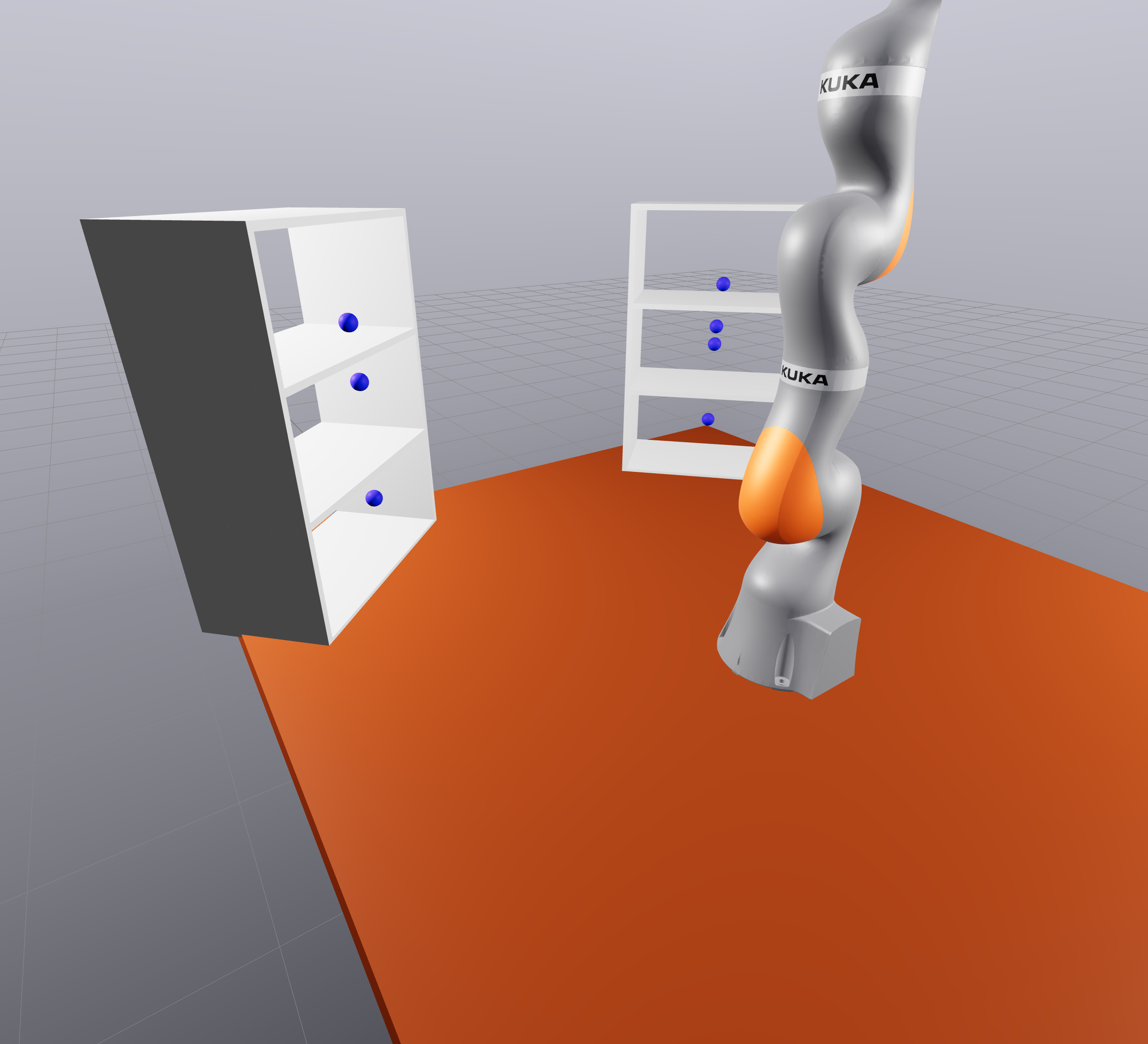 |
Change only --scene (or SceneType) to select another packaged scene. Runtime is
not expected to match across scenes because their collision geometry differs.